Coming up with one good video idea is easy. Coming up with five good ideas every week is much harder.
Creators often spend more time deciding what to post than actually making the video. You may have a topic in mind but struggle with the opening hook, script, caption, or the best way to adapt the idea for different platforms. This is where Google Gemini can become a useful creative assistant.
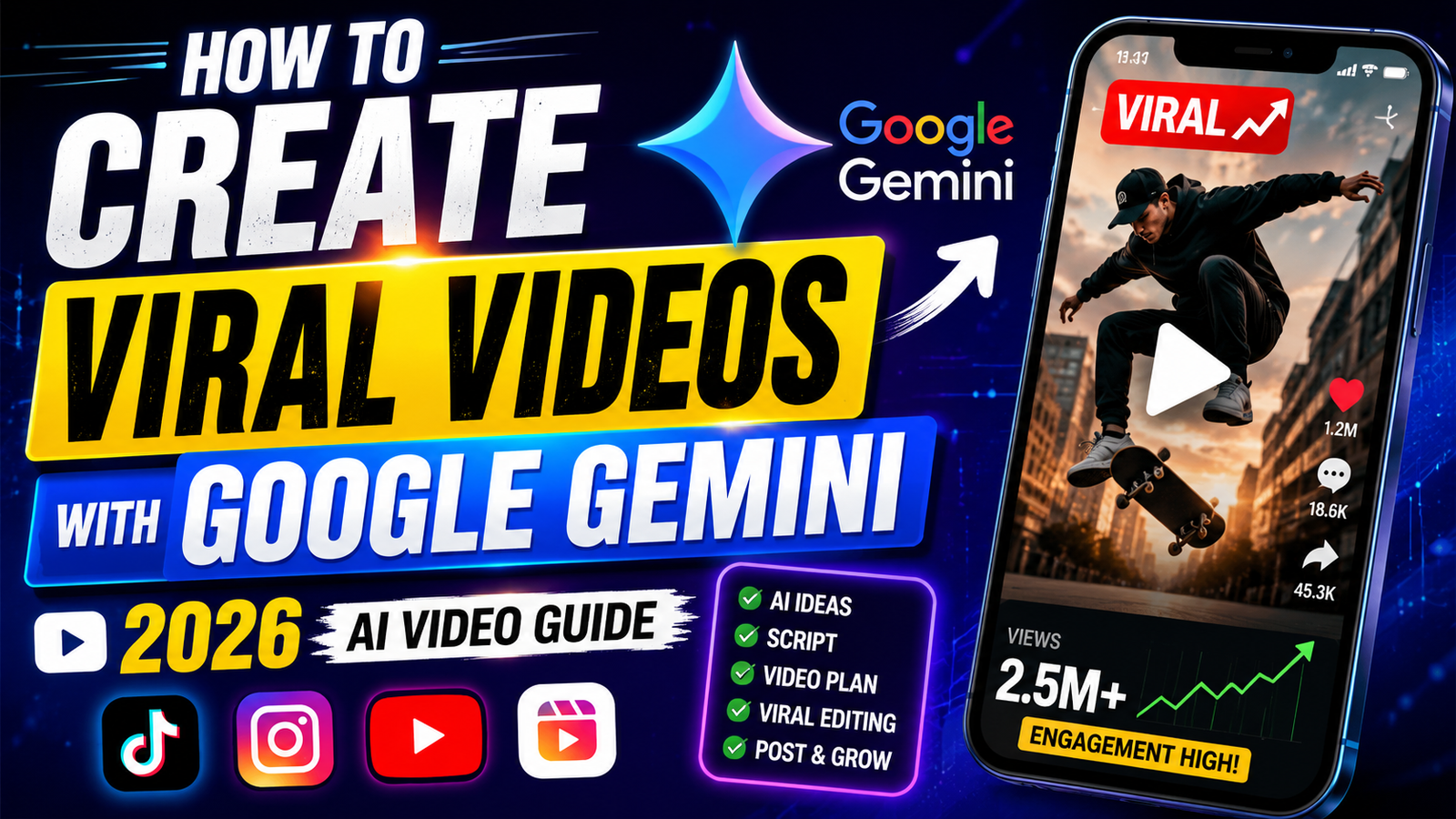
Gemini can help brainstorm viral video ideas, turn rough thoughts into scripts, suggest stronger hooks, create captions, and reshape one concept for TikTok, Instagram Reels, YouTube Shorts, or Facebook. But it should not replace your judgment. The strongest results usually come when you use Gemini to speed up the planning process and then add your own experience, personality, footage, opinions, and editing style.
Here is a practical approach to using Google Gemini for video content without making every post feel like it came from the same AI template.
1. What Google Gemini Can Do for Social Video Creation
Google Gemini for video creation is most useful during the planning and writing stages.
Instead of asking it to simply “give me viral ideas,” give it a specific audience, topic, platform, and goal. Gemini can then help you with several parts of the content process.
Idea generation
Gemini can generate different angles around one subject. For example, instead of making another basic fitness video, you could ask for ideas based on mistakes, myths, beginner questions, personal challenges, or quick experiments.
Research and organization
You can use Gemini to organize information into a simple video structure. If you already have notes, you can provide them and ask Gemini to turn them into a logical sequence.
You should still verify important facts before publishing, particularly for medical, financial, legal, or other sensitive topics.
Hooks and scripts
The first few seconds matter because viewers can leave before your main point appears. Gemini can create multiple hook options and help you compare different openings.
Captions and calls to action
It can also create captions, titles, descriptions, questions, and CTAs suited to your content.
The important point is that Gemini is better treated as a brainstorming and writing partner than a magic “viral button.”
2. How to Find Viral Video Ideas with Gemini
Good viral video ideas usually have a reason for someone to stop scrolling. They might solve a problem, answer a common question, create curiosity, tell an interesting story, or present something in an unexpected way.
Instead of asking:
“Give me 20 viral video ideas.”
Try something more specific:
“I create short educational videos about smartphones for beginners. Give me 15 TikTok video ideas based on common mistakes people make with Android phones. Each idea should be possible to explain in under 45 seconds and should create curiosity without using misleading clickbait.”
That prompt gives Gemini useful boundaries.
You can also ask it to organize ideas by content angle:
- Quick tips
- Common mistakes
- Myths
- Before-and-after demonstrations
- Frequently asked questions
- Comparisons
- Short stories
- Step-by-step tutorials
For example:
“Give me 10 YouTube Shorts ideas about saving money on everyday technology. Focus on practical tips people can test themselves. Avoid unrealistic money-making claims.”
This produces a much more usable starting point than a broad request for “viral content.”
3. How to Write Better Video Hooks
A strong idea can still fail if the opening feels boring.
Gemini can help you create several versions of a hook and then choose the one that sounds most natural for your audience.
Suppose your video explains three mistakes that reduce phone battery life. Ask:
“Write 10 short hooks for a 30-second Instagram Reel about three smartphone habits that can drain battery faster. Make them conversational, specific, and curiosity-driven. Do not use exaggerated claims.”
You might then ask Gemini to make your favorite version sound more natural:
“Rewrite hook number 4 so it sounds like a creator speaking naturally to a friend. Keep it under 12 words.”
Do not automatically choose the most dramatic hook. A hook should accurately lead into the video.
A useful rule is to make the opening promise something the rest of the video actually delivers.
4. Creating Short-Form Video Scripts with Gemini
Once you have the idea and hook, Gemini can turn your rough concept into a short script.
A useful short-form structure is:
Hook → Problem → Useful information → Example → Conclusion/CTA
For example:
“Write a 40-second TikTok script explaining how beginners can protect their Instagram account. Start with a strong but truthful hook, explain three practical steps, use simple language, and finish with a natural CTA. Avoid sounding like an advertisement.”
For storytelling content, the structure can be different:
Setup → Tension → Turning point → Result → Takeaway
Try:
“Create a 60-second storytelling script about a small online business that nearly gave up because its first videos received very few views. Make the story realistic, emotional but not exaggerated, and end with a practical lesson for new creators.”
If Gemini gives you a script that sounds too polished, tell it exactly what is wrong:
“Make this sound less scripted. Use shorter sentences, natural transitions, and wording a creator could comfortably say aloud.”
That small change can make the output much easier to use.
5. Generating Captions, Titles, and CTAs
A good video can be weakened by a caption that says almost nothing.
Gemini can create several versions so you can select one that matches your personality.
For example:
“Create five Instagram Reel captions for a video showing three useful Android shortcuts. Keep them short, conversational, and useful. Avoid hashtags that are unrelated to the topic.”
You can also ask for different CTA styles:
“Give me five natural CTAs for a tutorial video. Avoid ‘like, share and subscribe’ unless it genuinely fits. Include options that encourage comments or saves.”
For YouTube Shorts, you might request:
“Create five concise YouTube Shorts titles for this script. Make them descriptive and curiosity-driven without misleading the viewer.”
The best CTA depends on the purpose of the video. If the content is a tutorial, asking viewers to save it may make more sense than asking them to buy something.
6. Adapting One Idea for TikTok, Instagram Reels, YouTube Shorts, and Facebook
You do not always need four completely different ideas for four platforms.
One strong concept can often be adapted.
For example, imagine your original idea is:
“Three smartphone settings most people never check.”
Ask Gemini:
“Adapt this video idea for TikTok, Instagram Reels, YouTube Shorts, and Facebook. For each platform, suggest an appropriate opening, approximate length, presentation style, caption approach, and CTA. Keep the core information the same.”
The goal is not to blindly copy and paste the same post everywhere.
TikTok videos may benefit from a more conversational delivery. Instagram Reels can fit naturally into a polished visual style. YouTube Shorts can be structured around a clear searchable topic. Facebook audiences may respond better to a straightforward explanation or shareable tip.
Your actual audience matters more than stereotypes about each platform.
7. How to Give Gemini Better Prompts
The quality of your prompt strongly affects the usefulness of the response.
A simple formula is:
Role + Audience + Topic + Platform + Goal + Format + Restrictions
For example:
“Act as a short-form content strategist. My audience is beginner smartphone users. I want to create a 35-second Instagram Reel about hidden Android features. Give me three concepts, each with a hook, three talking points, suggested visuals, and a CTA. Keep the language simple and avoid exaggerated claims.”
This is much more useful than:
“Give me a viral Android video.”
You can also tell Gemini what you do not want.
For example:
“Do not use generic phrases such as ‘you won’t believe this’ or ‘this will change your life.’ Avoid clickbait and keep the script conversational.”
That helps prevent repetitive AI-style wording.
8. Practical Prompt Examples for Different Types of Videos
Educational videos
“Create five 45-second educational video ideas about personal finance for beginners. Each idea should answer one specific question, have a strong opening, and provide a practical takeaway. Avoid financial promises or unsupported claims.”
Product videos
“Write a 30-second product demonstration script for a wireless keyboard. Focus on three practical features, show what the viewer should see on screen, and avoid sounding like a traditional advertisement.”
Storytelling videos
“Give me three short storytelling concepts about a creator who struggled to get views before discovering a better content strategy. Make each story realistic and include a clear turning point.”
Faceless videos
“Create a 45-second faceless YouTube Shorts script about five useful Google Chrome features. For every sentence, suggest suitable screen recordings, stock footage, or simple on-screen text.”
Business/promotional videos
“Create a 30-second promotional Reel for a small local clothing business. Focus on the problem the product solves rather than making exaggerated claims. Include a natural CTA.”
Trend-based videos
“Suggest five ways a technology creator could adapt a current social media trend to smartphone tips without copying another creator’s content. Explain the concept and the original angle for each.”
TikTok, Reels, and Shorts
“Turn this topic into three separate short-form video concepts for TikTok, Instagram Reels, and YouTube Shorts. Keep the factual information consistent but change the hook, pacing, and CTA for each platform.”
9. Common Mistakes Creators Should Avoid
The biggest mistake is treating Gemini’s first response as the final product.
AI can generate ten ideas in seconds, but quantity does not equal quality.
Using vague prompts
“Make me a viral video” gives Gemini very little direction.
Tell it what you create, who watches your content, and what result you want.
Making every video sound the same
If every script begins with an aggressive hook and ends with the same CTA, your audience will notice.
Mix tutorials, stories, questions, demonstrations, opinions, and experiments.
Trusting every fact
Gemini can make mistakes. Check important claims against reliable sources before publishing.
Overwriting the script
Short videos usually do not need a complicated speech. If a sentence is difficult to say naturally, simplify it.
Chasing every trend
A trend is useful only when it fits your audience. A random trend can bring temporary attention without building a useful audience.
Ignoring the visuals
A good script cannot rescue poor presentation. Think about what viewers will actually see while you are speaking.
10. How to Combine Gemini With Human Creativity
This is where many creators get the process wrong.
Gemini can help you generate possibilities, but you decide which possibility is worth making.
Your personal experience is often more valuable than another generic idea. If you have tested an app, made a mistake, learned a shortcut, visited a place, built a product, or solved a problem yourself, use that experience.
Instead of asking Gemini to invent the entire video, give it your raw material:
“Here is what happened when I tested this phone feature for one week. Turn my notes into three possible short-video structures, but do not add facts that are not included in my notes.”
Now Gemini is helping organize your experience rather than replacing it.
That usually creates content with a stronger personal voice.
11. A Simple Workflow for Creating Videos Faster
You can build a repeatable process around Gemini.
Step 1: Choose a content category
Pick one area your audience already cares about.
Step 2: Generate ideas
Ask Gemini for 10–20 concepts based on specific problems, questions, or interests.
Step 3: Select the strongest idea
Do not choose simply because the title sounds exciting. Ask whether you can demonstrate or explain it well.
Step 4: Develop the hook
Generate several openings and select one that accurately represents the video.
Step 5: Build the script
Give Gemini the desired length, tone, audience, and structure.
Step 6: Plan the visuals
Ask for suggestions for screen recordings, B-roll, demonstrations, text overlays, or transitions.
Step 7: Create platform variations
Adapt the concept for TikTok, Instagram Reels, YouTube Shorts, and Facebook when appropriate.
Step 8: Edit with your own style
Add your voice, footage, humor, opinions, examples, and pacing.
Step 9: Review before publishing
Check the facts, remove unnecessary lines, make sure the hook matches the content, and watch the finished video as a viewer.
Step 10: Learn from the results
After publishing several videos, look for patterns. Which topics attract attention? Which openings hold viewers? Which videos generate comments or saves?
Use those observations to improve your next prompts.
12. Final Takeaways
Google Gemini can make social media video creation much faster, especially when you are stuck at the idea, hook, scripting, or planning stage.
The real advantage is not that Gemini can supposedly make every video go viral. It is that you can quickly explore more creative directions and spend less time staring at a blank page.
For creators working on Google Gemini viral social videos, the most useful approach is simple: give Gemini specific instructions, generate several options, choose carefully, and then add your own creative judgment.
Use AI for speed. Use your experience for authenticity.
A good workflow might turn one rough idea into a hook, script, shot list, caption, and several platform-specific versions. But the final video still needs something only you can provide: a reason for a real person to care.
Frequently Asked Questions
Can Google Gemini create viral social media videos?
Gemini can help with ideas, hooks, scripts, captions, and content planning, but no tool can guarantee that a video will go viral. Audience interest, execution, timing, topic, and distribution all matter.
What are the best Gemini prompts for creators?
The most useful prompts clearly describe the audience, topic, platform, video length, tone, goal, and desired output. Specific instructions generally produce more practical results than broad requests.
Can Gemini help create TikTok videos and Instagram Reels?
Yes. You can use Gemini to develop concepts, hooks, scripts, captions, CTAs, and visual suggestions for TikTok videos and Instagram Reels. You can also ask it to adapt the same concept for different platforms.
Can I use Gemini for faceless videos?
Yes. Gemini can help plan faceless content by suggesting narration, screen recordings, B-roll, stock-footage concepts, on-screen text, and scene-by-scene structures.
Should I publish Gemini’s scripts exactly as they are?
Usually, no. Review and personalize the script before publishing. Add your own examples, experiences, opinions, humor, footage, and speaking style. This makes the content more natural and helps prevent your videos from feeling interchangeable with AI-generated content.