In today’s fast-moving digital world, internet speed has become more important than ever. Whether you are watching videos, playing online games, or working from your phone, everyone wants faster and smoother internet. This is where 5G comes in. It promises ultra-fast speed, low latency, and a better overall experience. But the problem is, not everyone has a 5G-supported phone or access to a 5G network yet.
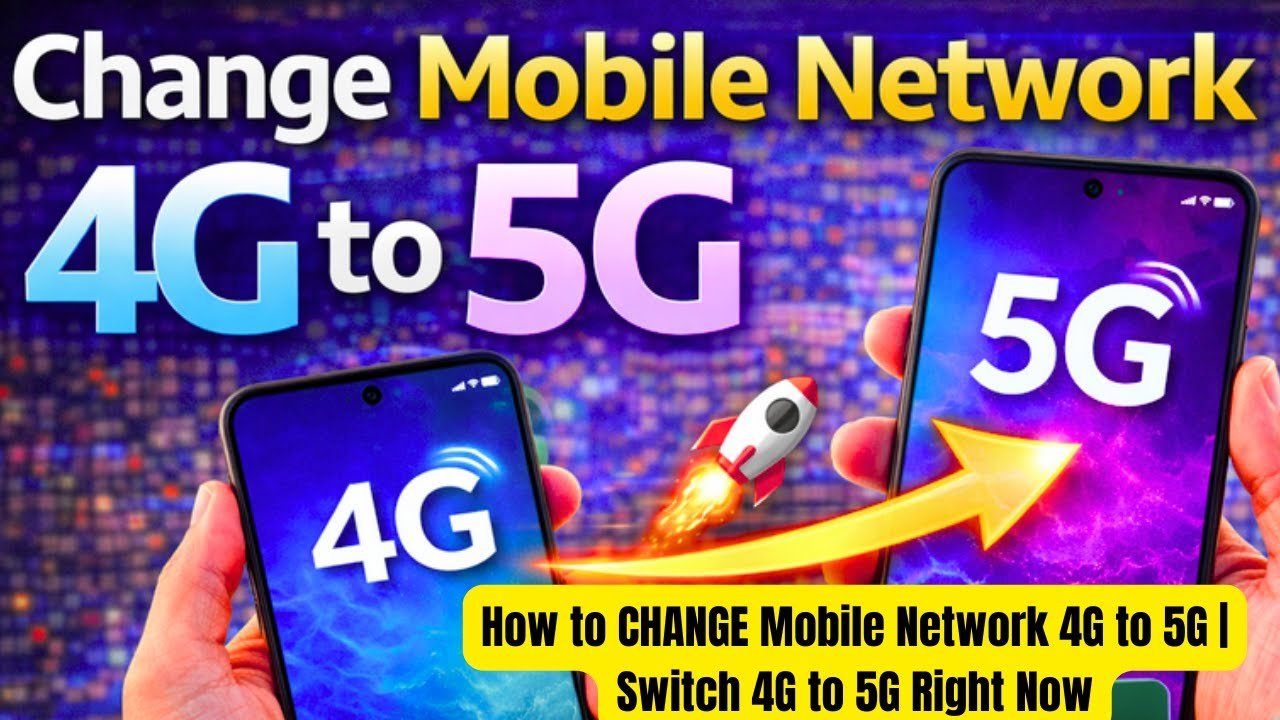
Because of this, many people are searching online for ways to convert their 4G mobile internet into 5G using free apps. You may have also seen apps or videos claiming that you can upgrade your 4G phone to 5G instantly. But how true are these claims? In this blog post, we will explain everything in simple words so you can understand the reality and avoid confusion.
What is 5G Internet?
Before we talk about converting 4G to 5G, let’s first understand what 5G actually is. 5G is the fifth generation of mobile networks. It is much faster than 4G and offers better performance in terms of speed, connectivity, and reliability.
With 5G, you can:
- Download large files in seconds
- Stream high-quality videos without buffering
- Play online games with almost zero lag
- Connect multiple devices without slowing down
However, to use 5G, you need two main things:
- A 5G-supported smartphone
- A 5G network available in your area
Without these, real 5G is not possible.
Can a 4G Phone Become 5G with an App?
Now let’s answer the main question: can you convert a 4G mobile into 5G using a free app?
The simple answer is: No, you cannot fully convert a 4G phone into a real 5G phone using any app.
This is because 5G is not just software—it also depends on hardware. A 5G phone has special chips and antennas that support 5G signals. A 4G phone does not have these components, so it cannot connect to a 5G network directly.
Then What Do These Apps Actually Do?
Many apps in 2026 claim to “convert 4G to 5G.” In reality, these apps do not provide true 5G. Instead, they may do the following:
1. Optimize Your Internet Speed
Some apps improve your internet performance by clearing background apps, boosting RAM, and optimizing network settings. This can make your 4G feel faster, but it is still 4G.
2. Change Network Settings
Certain apps adjust hidden settings in your phone to improve signal strength or switch to a faster available band. This can slightly improve speed but does not turn your network into 5G.
3. Show Fake 5G Icons
Some apps only change the network icon on your phone to “5G.” This is just visual and does not affect your real internet speed.
Features of a Good Network Booster App
If you still want to try a free app to improve your internet speed, look for these features:
- Simple and clean interface
- One-tap optimization
- Background app cleaner
- Network refresh option
- Low battery usage
These features can help your device perform better, even if it is still on 4G.
Benefits of Using These Apps
Even though they don’t give real 5G, these apps can still be useful:
- Faster browsing experience
- Reduced lag in games
- Better video streaming quality
- Improved phone performance
So, while they are not magical tools, they can still enhance your daily usage.
Things to Be Careful About
Not all apps are safe or useful. Some may cause problems instead of helping. Here are a few things to watch out for:
1. Fake Promises
Avoid apps that claim “100% convert 4G to 5G instantly.” These are usually misleading.
2. Too Many Ads
Some free apps are full of ads, which can be annoying and slow down your phone.
3. Permissions
Always check what permissions the app is asking for. If it asks for unnecessary access, do not install it.
4. Battery Drain
Some apps run in the background all the time, which can quickly drain your battery.
Best Alternative to Get Real 5G
If you truly want 5G speed, here are the real solutions:
1. Upgrade Your Phone
Buy a smartphone that supports 5G. This is the most important step.
2. Check Network Availability
Make sure 5G service is available in your city or area.
3. Use a 5G SIM
Some telecom companies require a special SIM card for 5G access.
4. Keep Your Phone Updated
Install the latest software updates to get the best performance.
Is It Worth Using These Apps?
Yes, but only with the right expectations. These apps are good for improving your phone’s performance and making your 4G internet smoother. However, they will not give you real 5G speed.
Think of them as “speed boosters” rather than “network converters.”
Final Thoughts
The idea of converting a 4G phone into 5G using a free app sounds exciting, but it is not fully possible in reality. 5G requires proper hardware and network support, which apps alone cannot provide.
However, you can still improve your internet experience by using trusted optimization apps. They can help your phone run faster and make your 4G connection more stable.