Smartphone usage is increasing every year, and in 2026 many Android users are looking for better ways to control screen time. One effective solution is using a time lock app. These apps help users lock selected applications for a fixed time so they can focus on important tasks and avoid distractions.
This article explains the best time lock apps for Android in 2026, their features, and how they help improve productivity.
What Is a Time Lock App?
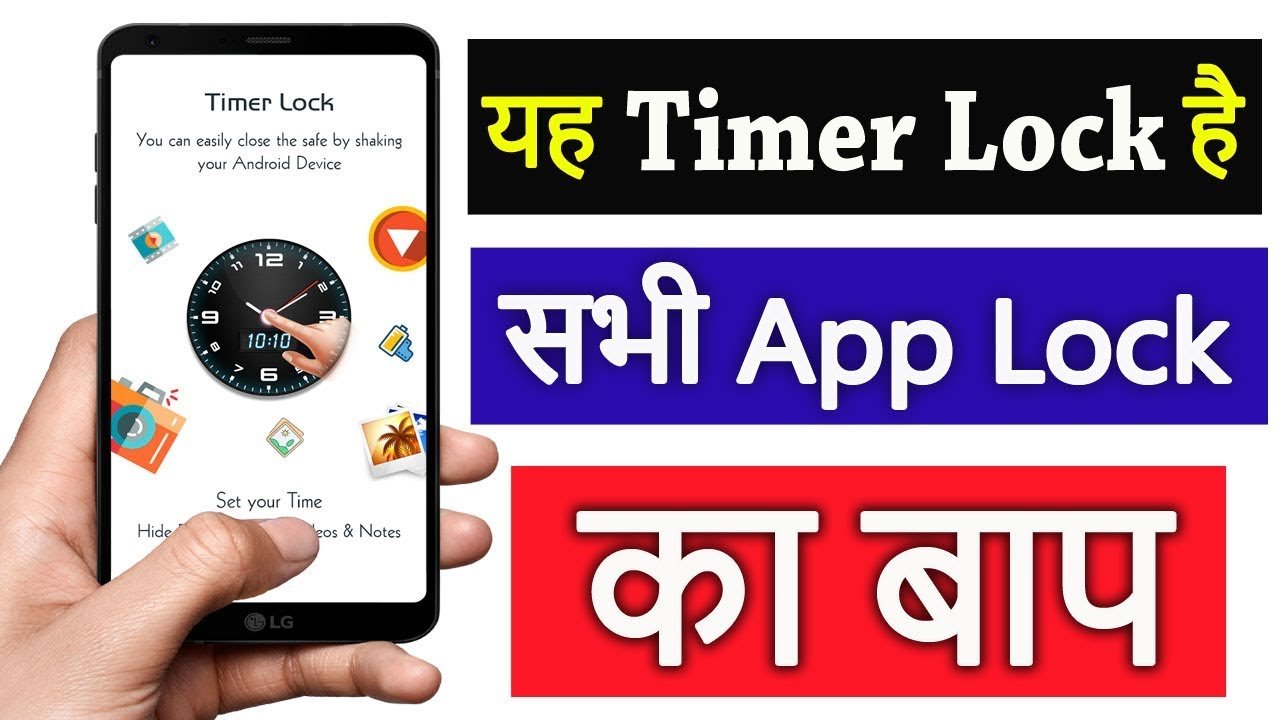
A time lock app is an Android application that restricts access to other apps for a specific period. Once the timer starts, the locked app cannot be opened until the set time ends. These apps are commonly used to reduce social media usage, improve focus, and manage daily routines.
Why Time Lock Apps Are Important in 2026
In 2026, mobile phones are a major source of distraction. Social media, games, and entertainment apps consume a lot of time. Time lock apps help users:
- Control unnecessary phone usage
- Stay focused during work or study hours
- Improve productivity and time management
- Build healthy digital habits
- Manage children’s screen time
Best Time Lock Apps for Android 2026
Below are some of the best time lock apps that Android users prefer in 2026.
Stay Focused – App Block & Time Tracker
Stay Focused is one of the most reliable time lock apps available for Android. It allows users to block apps for a selected time or limit daily usage.
Key features:
- App blocking with timer
- Focus mode for deep work
- Daily usage tracking
- Custom schedules
Best for students and professionals who want full control over app usage.
AppBlock – Stay Focused
AppBlock is designed to block distracting apps and notifications based on schedules. Users can create different blocking profiles for work, study, or rest time.
Key features:
- Schedule-based app lock
- Notification blocking
- Quick temporary lock option
- Simple setup
Best for users who want automatic app blocking at specific times.
Focus Lock – App & Website Blocker
Focus Lock helps users block both apps and websites for a fixed time period. It is useful for people who get distracted by browsers as well.
Key features:
- Time-based app lock
- Website blocking
- Focus sessions
- Usage progress tracking
Best for users who want app and web control together.
Digital Wellbeing (Android Built-in)
Digital Wellbeing is a built-in feature on most Android phones. It allows users to set app timers without installing any third-party app.
Key features:
- App usage limits
- Focus mode
- Screen time dashboard
- Bedtime mode
Best for users who prefer a built-in solution.
TimeAway – Timer App Lock
TimeAway is a lightweight app designed for short and long focus sessions. Users can lock apps for a selected time and fully concentrate on tasks.
Key features:
- Custom time lock
- Focus countdown timer
- Minimal user interface
- Distraction-free experience
Best for users who prefer simple and clean apps.
How to Choose the Best Time Lock App
Before selecting a time lock app, consider these points:
- Easy customization options
- Strong app locking system
- Clear usage reports
- Simple and clean interface
- Reliable performance without bugs
Benefits of Using a Time Lock App
Using a time lock app provides several advantages:
- Improves focus and productivity
- Reduces mobile addiction
- Saves valuable time
- Helps maintain work-life balance
- Encourages responsible phone usage
Final Words
Time lock apps are very useful tools for Android users in 2026. Whether you are a student, a working professional, or a parent, these apps help you control your time and stay focused. Among all options, Stay Focused and AppBlock remain the top choices due to their reliability and features.
Choosing the right time lock app can help you build better habits and make your daily life more productive.