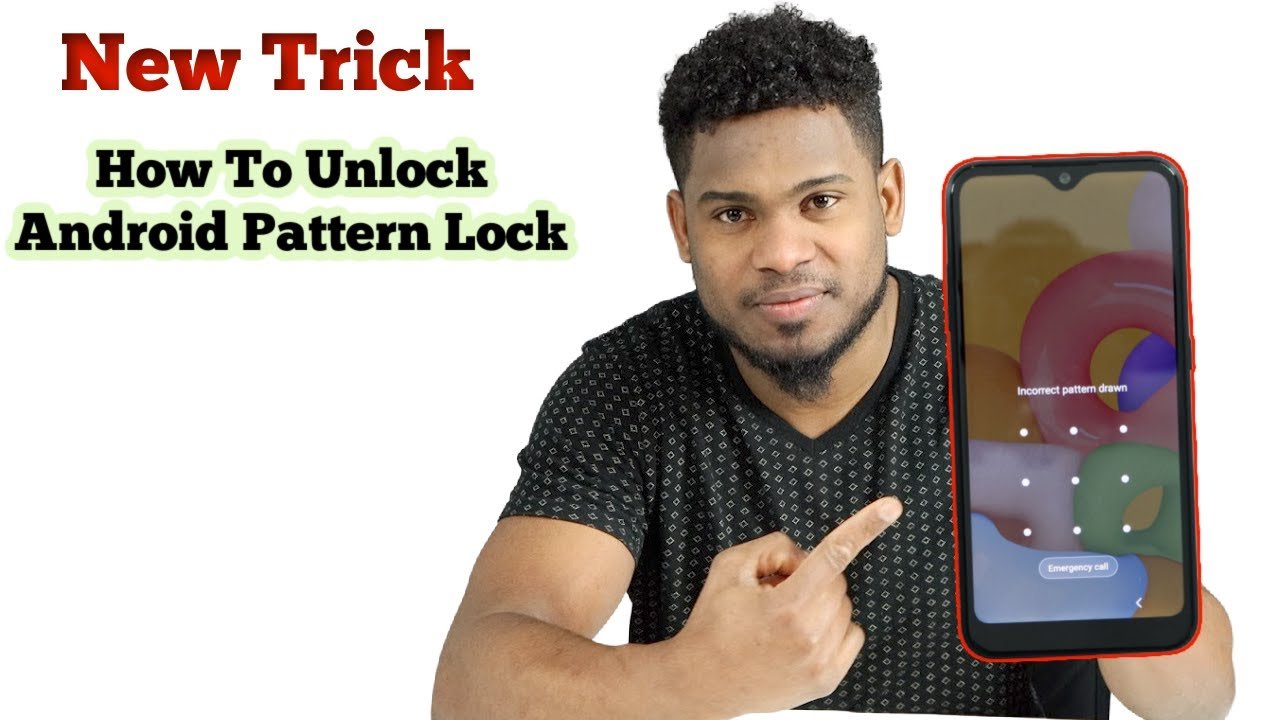
Forgetting your Android phone password is one of the most common problems people face today. Whether you use a PIN, pattern, fingerprint, or password lock, there can be times when the phone refuses to unlock. Many users search online for quick methods like the Emergency Call Trick to regain access to their device without losing data. This guide explains everything in simple language, including whether the emergency call trick works in 2025, and what real working methods you can use instead.
What Is the Emergency Call Trick?
The emergency call trick is an old method that people used on earlier Android versions to bypass the lock screen. The trick involved using the Emergency Call option on the lock screen to type very long text, causing the phone to crash and automatically unlock.
This method worked on some older devices because of a system glitch. When too much text was entered, the phone would freeze and restart the lock screen, sometimes granting temporary access.
But this method does not work anymore. Modern Android versions are much more secure. The emergency call screen is designed only for real emergency use, and it is separated from the main operating system.
Does the Emergency Call Trick Work in 2025?
The simple answer is no. Android has fixed all the bugs that allowed the emergency call screen to be misused. Modern Android devices from Android 8 to Android 15 do not allow any kind of text overflow or system crash using the emergency dialer.
Here are the main reasons why it no longer works:
- Emergency call screen is fully protected
- Lock screen cannot be bypassed with long text
- No access to system files from emergency dialer
- Android security patches prevent any crash exploit
- All phone brands follow strict security standards
So instead of relying on old tricks that no longer work, you should use methods that are safe, updated, and tested.
Real Working Methods to Unlock an Android Phone (2025)
Although the emergency call trick no longer works, there are many working and reliable methods to unlock an Android phone in 2025. These methods depend on your phone brand, your Google account, and the settings you previously enabled.
1. Unlock Using Google Find My Device
This is the official method provided by Google. It works on Samsung, Xiaomi, Vivo, Oppo, Realme, Motorola, Nokia, and many other Android phones.
Requirements:
- Phone must be connected to WiFi or mobile data
- Google account must be logged in
- Find My Device must be enabled
Steps:
- Open Find My Device on another phone or computer
- Sign in with your Google account
- Select your locked phone
- Use the Erase Device option
- Set up your phone again
This will remove the lock screen and give you fresh access. Data is restored from your Google backup if it was enabled.
2. Unlock Samsung Phone Using Find My Mobile
Samsung offers a unique feature called Find My Mobile, which can unlock your phone without deleting data.
Requirements:
- Samsung account login
- Internet connection
Steps:
- Visit Samsung Find My Mobile
- Sign in with your Samsung account
- Select your device
- Click the Unlock option
This method is extremely helpful because it does not require resetting your phone and your data stays safe.
3. Use Smart Lock If It Was Enabled
Smart Lock is a built-in Android feature that can unlock your phone automatically in certain situations. You might not even know that it was already enabled.
Smart Lock unlocks your phone automatically when:
- You are in a trusted location (home or office)
- Your phone is connected to a trusted device (Bluetooth headset or smartwatch)
- On-body detection is active
Try going to your trusted location or connecting your trusted Bluetooth device to see if the phone unlocks automatically.
4. Unlock With ADB Commands (If USB Debugging Was On)
ADB is a tool for advanced users. This method only works if USB debugging was enabled before the phone got locked.
Steps:
- Connect your phone to your PC
- Open Command Prompt
- Run the command to remove the lock file
- Restart the phone
This will remove the lock screen settings and let you access the phone normally.
5. Factory Reset From Recovery Mode
If no method works, a factory reset is the guaranteed solution. It removes the lock screen but also deletes all data.
Steps:
- Turn off your phone
- Press Power + Volume Up buttons
- Enter Recovery Mode
- Select Wipe Data or Factory Reset
- Restart the phone
After setup, you can restore your data from Google backup if available.
Why Do People Search for the Emergency Call Trick?
Even though the method no longer works, many people still search for it because:
- They want a quick solution
- They want to unlock the phone without losing data
- They think the trick still works on modern phones
- They do not want to use technical tools or PC
However, the emergency call trick is outdated, and using official methods is safer and more reliable.
Safe Alternatives to the Emergency Call Trick
Here are safe and legal methods you can use today:
- Google Find My Device
- Samsung Find My Mobile
- Smart Lock features
- Backup PIN or password (older devices)
- ADB commands
- Factory reset
All these methods work far better than the old emergency call method.
Is It Legal to Unlock Your Phone?
Yes, it is legal to unlock your own phone.
However, unlocking someone else’s phone without permission is illegal and can result in serious consequences. The methods mentioned in this article are only for personal device recovery.
How to Avoid This Problem in the Future
Here are some important tips to prevent getting locked out again:
- Write your password in a safe note
- Enable Google backup
- Turn on Smart Lock
- Use fingerprint or face unlock
- Keep your Google account login active
- Use a password manager to save PIN and pattern
These steps will ensure that you never face this issue again.
Unlock Phone
Conclusion
The emergency call trick was once a popular method to unlock Android phones, but it no longer works on any modern device. If you forget your phone password in 2025, there are several safe and secure ways to unlock your phone. The best working methods include Google Find My Device, Samsung Find My Mobile, Smart Lock, ADB commands, and factory reset.
Use the method that fits your situation and always follow official solutions to protect your data and privacy.